Don't Panic: How to Prepare Your Parents for the MySiren Test on 29 November
Malaysia's nationwide MySiren test is on Sunday, 29 November. Here is what to check on your parents' phones so the alert does not catch them off guard.
Also in 中文
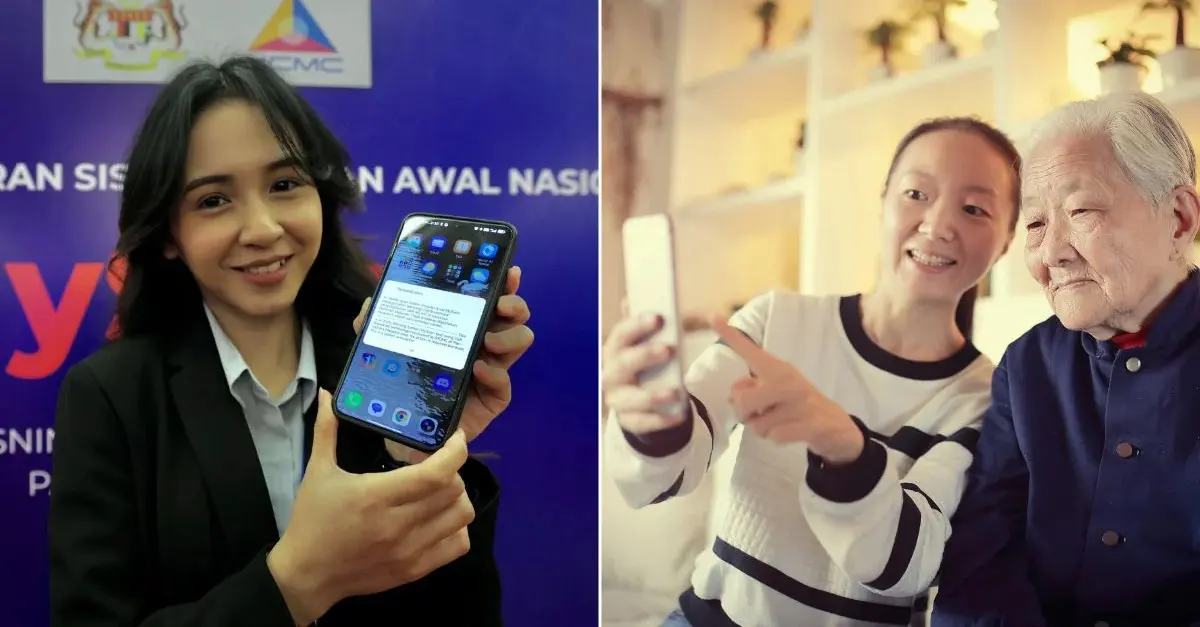
Malaysia is running a nationwide test of MySiren this Sunday, 29 November. If your parents' phones are about to start sounding, it helps to warn them first. MySiren is the country's national early warning system and is designed to alert people to emergencies such as floods, severe weather, tsunamis, major fires and hazardous materials incidents.
According to the New Straits Times, the Malaysian Communications and Multimedia Commission has published an FAQ on how the system works. Alerts are sent using Cell Broadcast technology to compatible phones in affected areas through participating 4G and 5G networks. There is no need to download an app, register or subscribe, and the alerts do not use mobile data or WiFi.
Before Sunday, it is worth helping your parents check a few things on their phones. Make sure the software is up to date, using MCMC's current guidance: an iPhone 11 or newer on iOS 27.2 or later, an Android device on Android 12 or later, or a Huawei device on EMUI 16 or later. Restart the phone after updating, then look for Government Alerts or Wireless Emergency Alerts in the settings, since the wording varies by phone.
Updates alone do not guarantee that a phone will receive the alert. Compatibility, settings and network coverage all matter, and phones that only support 2G or 3G cannot receive MySiren alerts. When a message arrives, read it in full to tell whether it is a test or a real warning. Remind your parents that MySiren will never ask for passwords, bank details, one-time passwords or payments. Radio, television, official websites and verified social media channels will still carry emergency updates.
- Source
- SAYS